

TikTok Video Generator
Turn a text prompt into a short vertical clip for TikTok.
What creators are making
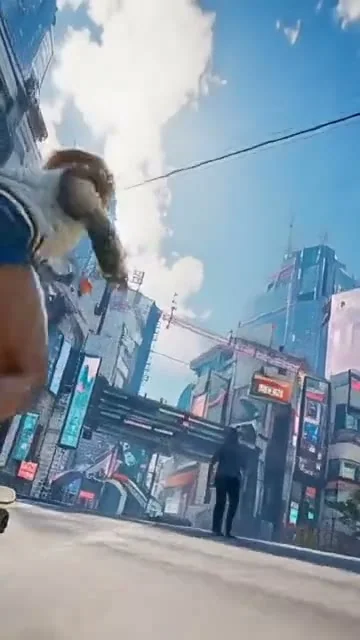
Skater in a city
A skateboarder carves through a sunlit downtown alley, low-angle lens tracking every trick at street level.
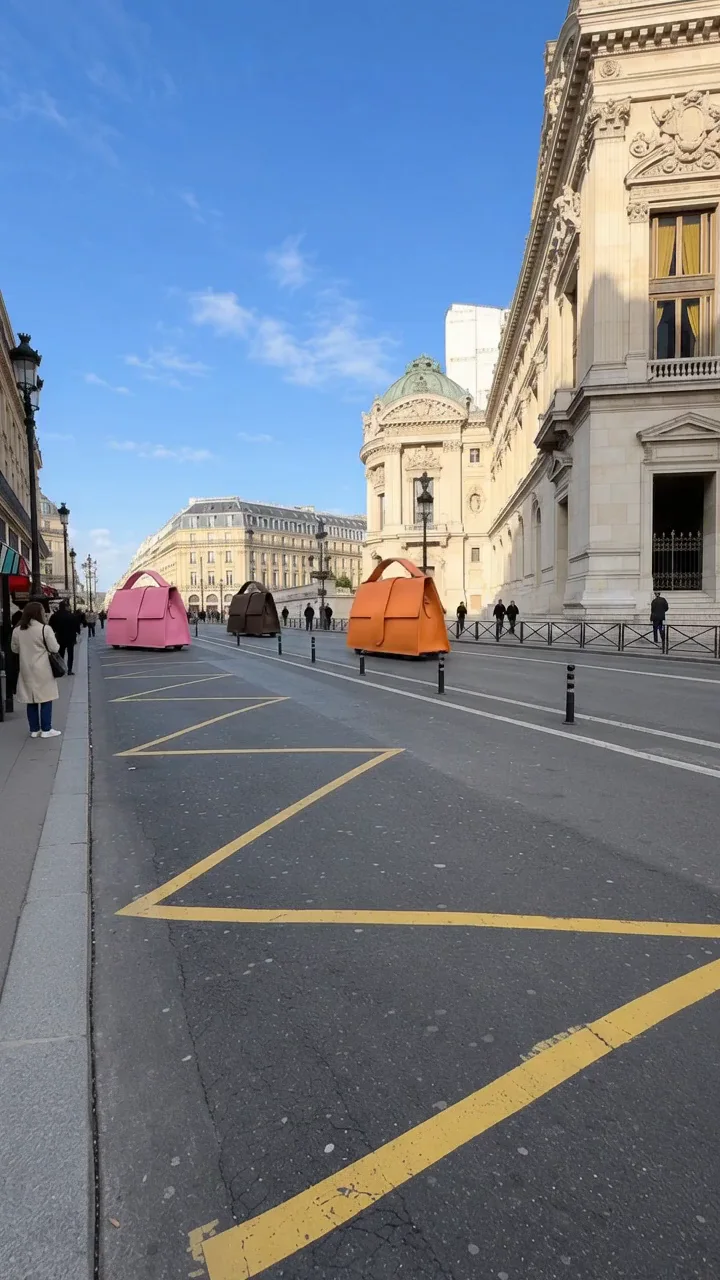
Giant handbag ad
An oversized designer bag rolls down a wide sunny street past storefronts, shot like a playful fashion film.
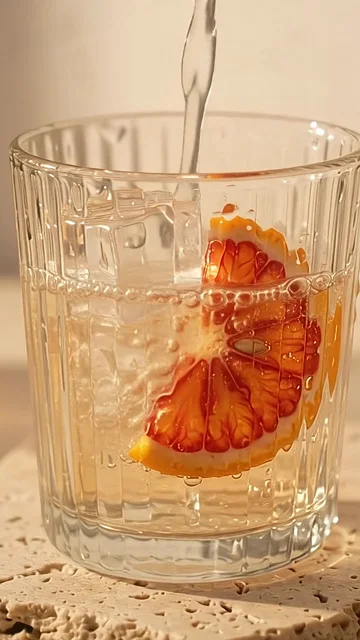
Citrus water pour
Ice-cold water splashes over sliced lemons in slow motion, lit like a beverage commercial close-up.
How it works
- Try this prompt
Skateboarder in a narrow alley, low angle follow shot, late afternoon golden light, concrete textures sharp.
Write your prompt
Describe your scene in plain English.
Mention camera angle, lighting, and mood for sharper results — for example, 'low angle, golden hour, tracking shot'.
- Aspect ratio
- 9:16 vertical
- Resolution
- 720p
- Duration
- 8 seconds
Add a photo (optional)
Upload a reference image if your chosen mode supports it.
Photo input works with compatible generation modes; check the mode selector before uploading.
Generate and download
GetReelMaker estimates the credit cost in the composer before you confirm.
Preview the clip, download the MP4, edit it in your app of choice, then upload it to TikTok manually.
Built for these moments
Opening hooks
Generate a visually striking first shot that stops the scroll instantly.
Product demos
Show your product in action with a filmed-looking scene without hiring a crew.
B-roll filler
Fill gaps between talking-head clips with atmospheric cutaways that match your brand feel.
Output details
Every clip ships with these defaults.
- Aspect ratio
- 9:16 vertical
- Resolution
- 720p
- Duration
- 8 seconds
Posting checklist
- Download first
Save your MP4, then open TikTok and upload from your camera roll.
- Leave a safe margin
Keep text and logos away from the bottom quarter — TikTok overlays captions and UI there.
- Add captions yourself
Captions are not added automatically; use TikTok's built-in caption tool or a third-party editor.
Frequently asked questions
Can I use a photo instead of just text?
Yes, but photo input is only available in compatible generation modes — check the mode selector first.
Can I change the duration or aspect ratio?
The default is 8 seconds at 9:16; available options depend on the model you select.
Does it add captions or post directly to TikTok?
No — you download the clip and add captions and post it yourself through the TikTok app.
How much does generation cost?
GetReelMaker shows an estimated credit cost in the composer before you confirm, so there are no surprises.
Start creating
Write a prompt, pick your model, and have a TikTok-ready clip downloaded in under a minute.
Start a Draft