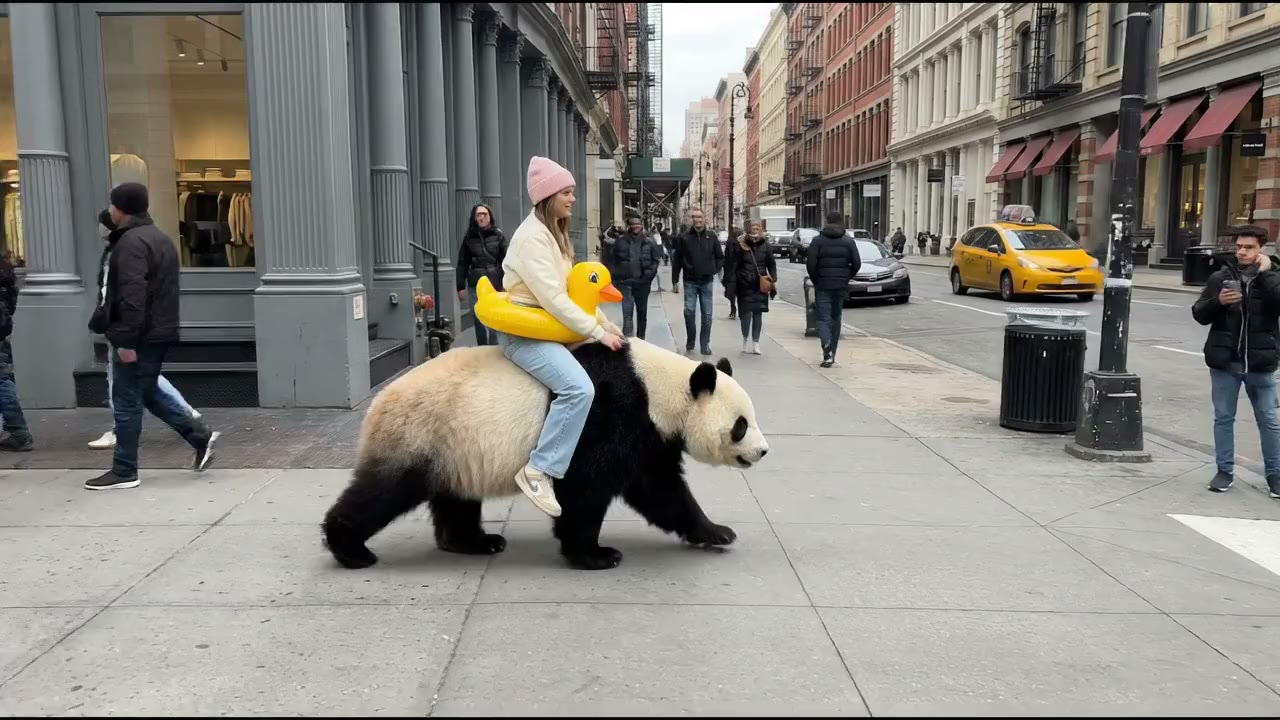





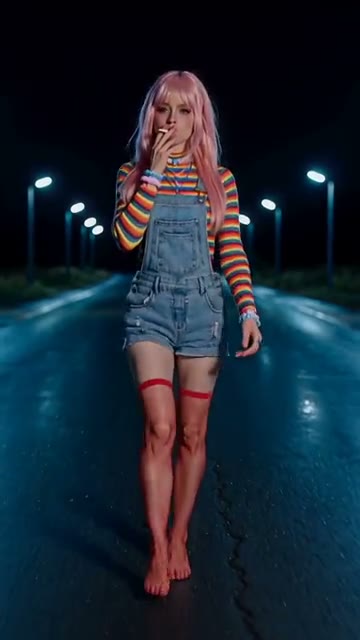
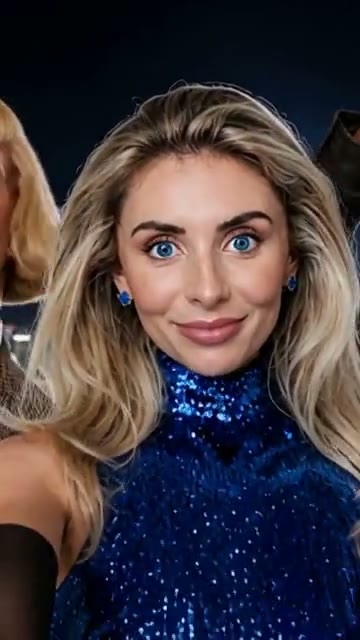
 Portrait motion
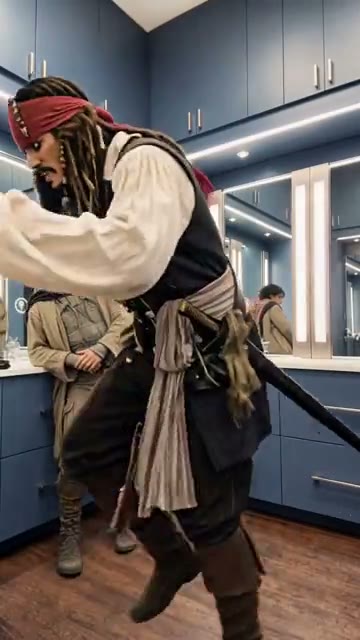
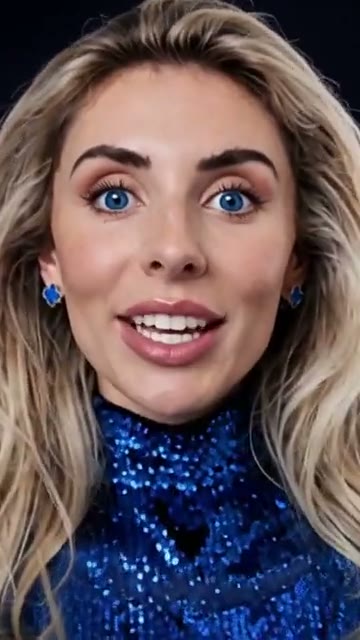
Start with a clear face portrait. Describe a small expression and a gentle camera move to build an editorial opening shot.
Explore visual directions for your next short.
Creative reference clips. Explore a direction, then make something of your own.
Image to video
Turn a still photo into a short video by describing how the subject and camera should move. Start with a portrait, product shot or scene you already have.
A clear source image gives the scene its subject and composition. Your prompt can add a camera move, natural gestures or a change in light without editing frames by hand.
Try image to videoSlow pan. Soft daylight. Natural movement.
Bring the source, motion prompt and output settings together. Review the estimated credits, then start generation when the brief is ready.
Source imageSlow pan. Soft daylight. Natural movement.
Text to video
Make a short video from a written scene description. Name the subject, setting and action, then add camera direction or lighting.
This mode works when you have an idea but no source footage. Start with a concise prompt, then refine the atmosphere and framing in the workspace.
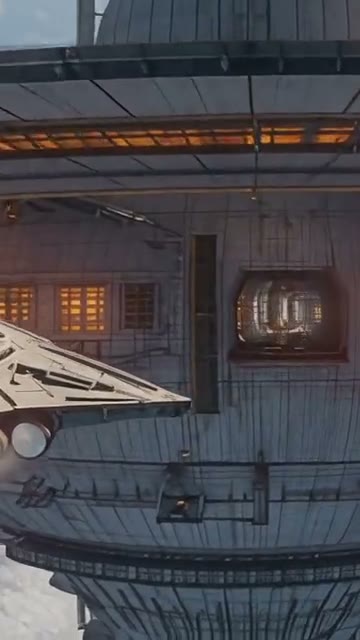
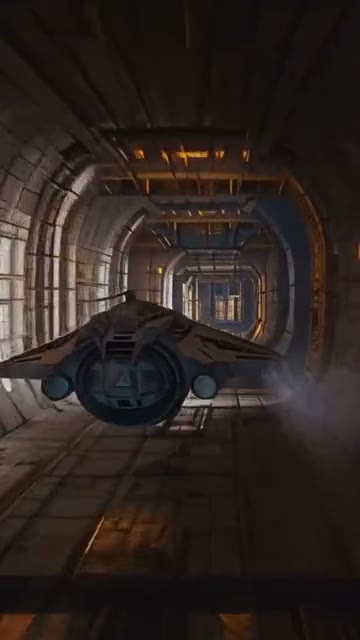
Try text to videoA quiet journey through an imagined world.
Bring the source, motion prompt and output settings together. Review the estimated credits, then start generation when the brief is ready.
A quiet journey through an imagined world.
Reference to video
Use reference images to guide the subject, setting or visual style of a new video. Describe the action separately so the references support the idea.
Add up to two images in the workspace and write what should happen on screen. Use this when a color palette, character or environment matters as much as movement.
Try reference to videoUse the references to guide the scene and style.
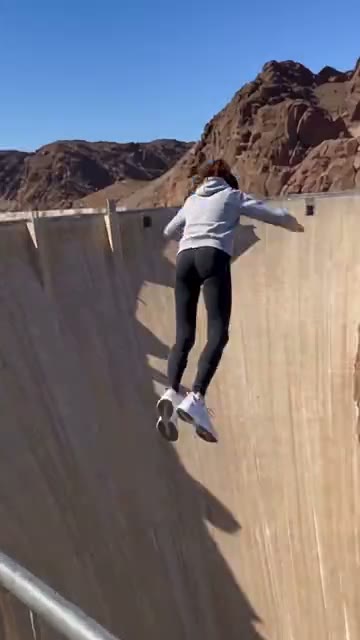
Bring the source, motion prompt and output settings together. Review the estimated credits, then start generation when the brief is ready.
Visual referencesUse the references to guide the scene and style.
Frames to video
Set the beginning of a short video with a first frame. Add an ending frame for more direction, then describe how the scene should move between them.
Start and end frames define a visual path. The prompt adds what changes between them, such as camera movement, a gesture or a gradual shift in the scene.
Explore frame controlConnect the first and last frame with natural motion.
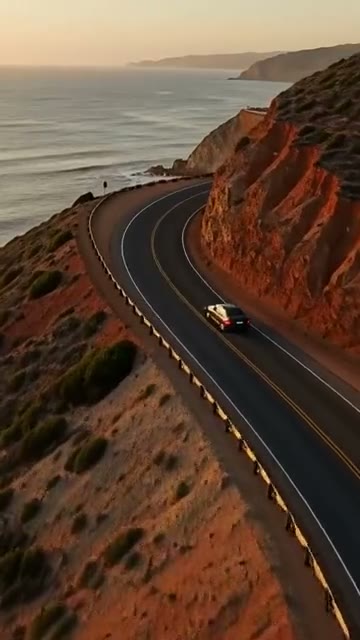
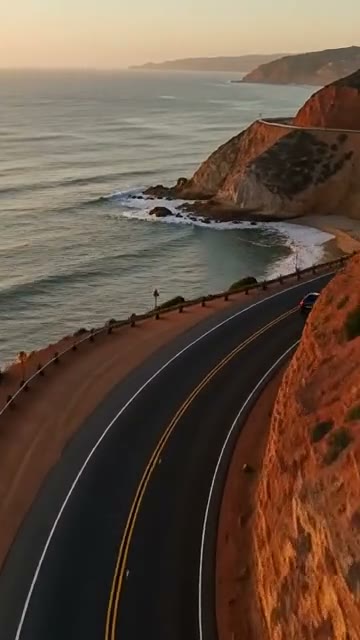
Bring the source, motion prompt and output settings together. Review the estimated credits, then start generation when the brief is ready.
First and last framesConnect the first and last frame with natural motion.
Creative references and an illustrative workspace setup. Generation starts in the workspace.

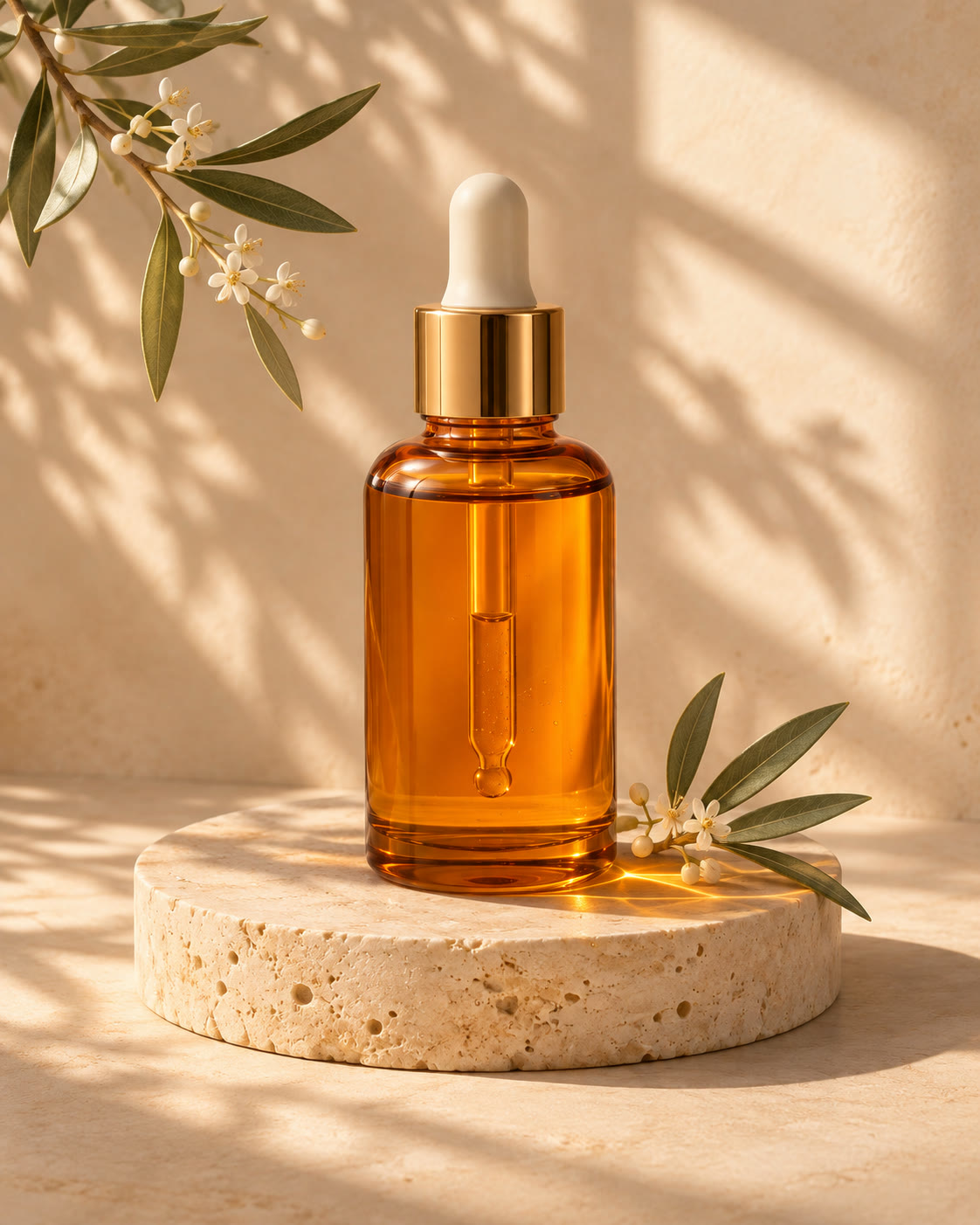
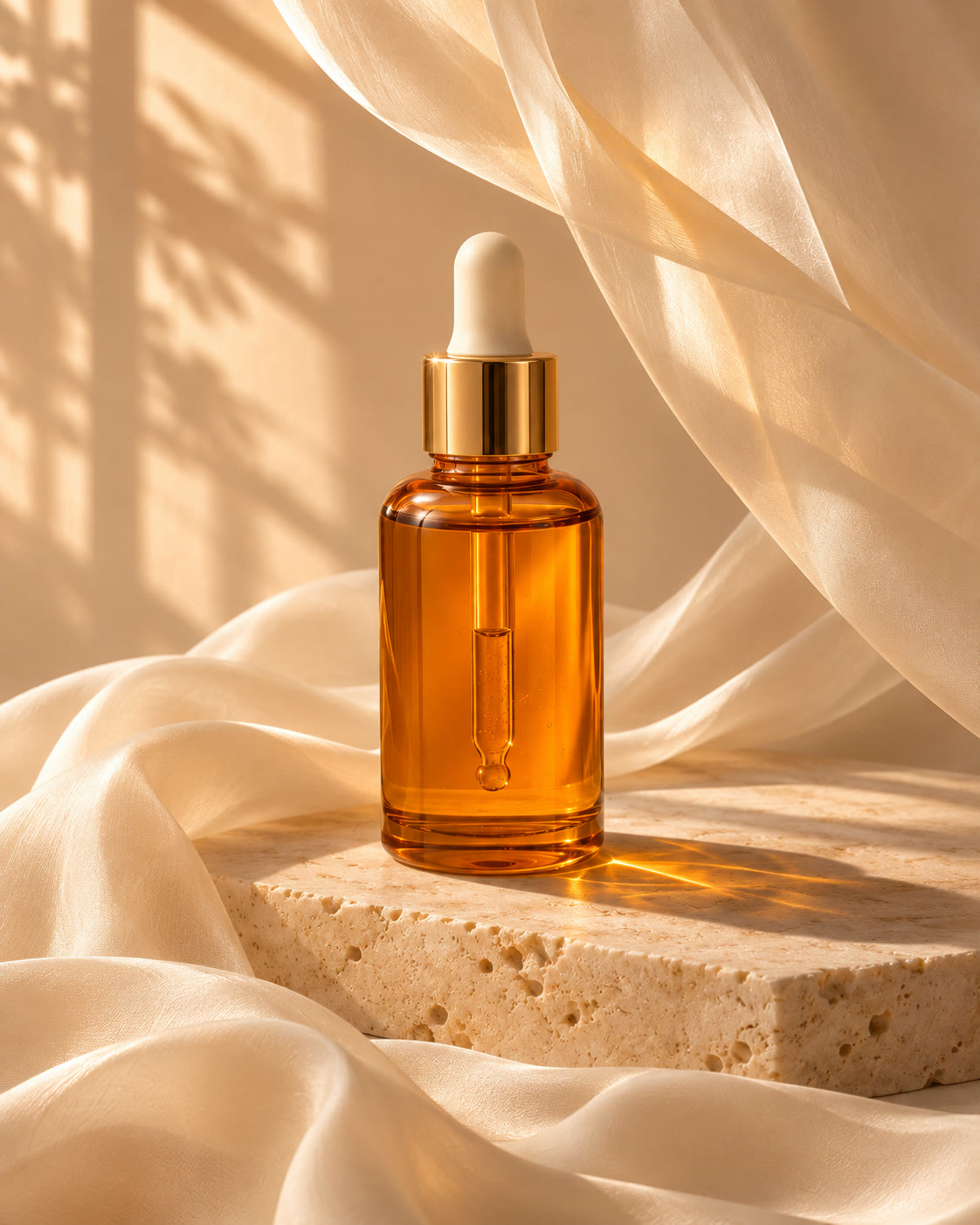
Describe a scene to create an image from text, or upload an image and guide it toward a new look. Explore product photography, portraits and visual concepts.
Text to image starts with your words. Image to image starts with your own visual reference and a prompt for the change you want. Both show the model, format and credit estimate before generation.
Open image studioWrite the subject, setting and light. Start with a clear concept such as a sunlit product photograph.
Add your own image and describe what should change, from the background to the color and styling.
Review the result in the workspace, then download the image that fits your project.
Illustrative art directions. Create and review your own results in the image workspace.
Choose a visual direction, read the example brief, then open the matching workspace to make your own version.
Portrait motion Start with a clear face portrait. Describe a small expression and a gentle camera move to build an editorial opening shot.
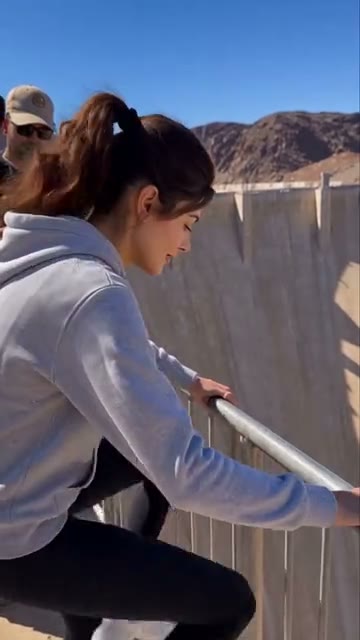
Travel moments Use a travel image or a written scene to show one continuous action, with daylight and the surroundings giving the video a sense of place.
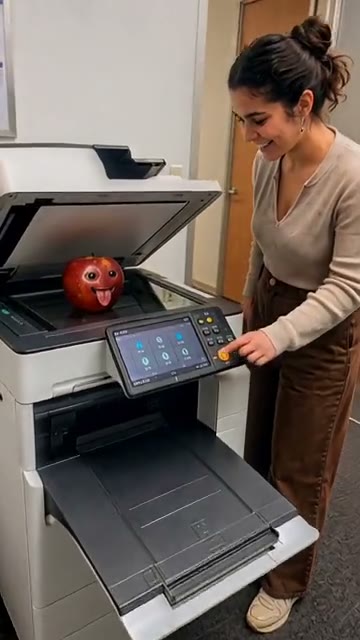 Product stories
Show a product in a readable setting. Keep the action simple, the lighting clear and the camera focused on what the viewer should notice.
All 14 model families above are connected. Choose one to see its fixed settings and credit cost before generating.
A few answers before your first generation.
Create short videos from a prompt, an image, visual references, or start and end frames. Generate images from text, or use your own images to guide a new look. Video and image modes keep the relevant inputs and settings together.
The homepage quick creator offers Veo 3.1 Fast, Nano Banana 2 and GPT Image 2. Open the model studio to choose from all connected video and image model families, with the credit cost shown before generation.
Yes. Add JPG, PNG or WebP files up to 10 MB each. Text / Image to video accepts an optional image; references and frames accept up to two images, and image-to-image accepts up to six. Use images you have permission to upload.
The creation button shows a credit icon and the current estimate for your selected model and settings. Exploring the homepage or continuing to the workspace does not start a generation. You review your inputs and submit the generation in the workspace.
You can explore, write a prompt, add images and choose settings first. When you continue, your draft opens in the matching workspace and you are asked to sign in. You stay in control of when a generation starts.
Your prompt, settings and selected images are saved locally in the same browser tab for up to 24 hours. Continue in that tab while signing in. Drafts are not synced to another device, and an unavailable saved image can be added again in the workspace.
Turn a thought or an image into
something worth watching.


