

AI Human Generator for Portraits
Generate still fictional portraits and character images from text using the composer — pick a model, choose your crop, preview and download.
What you can create
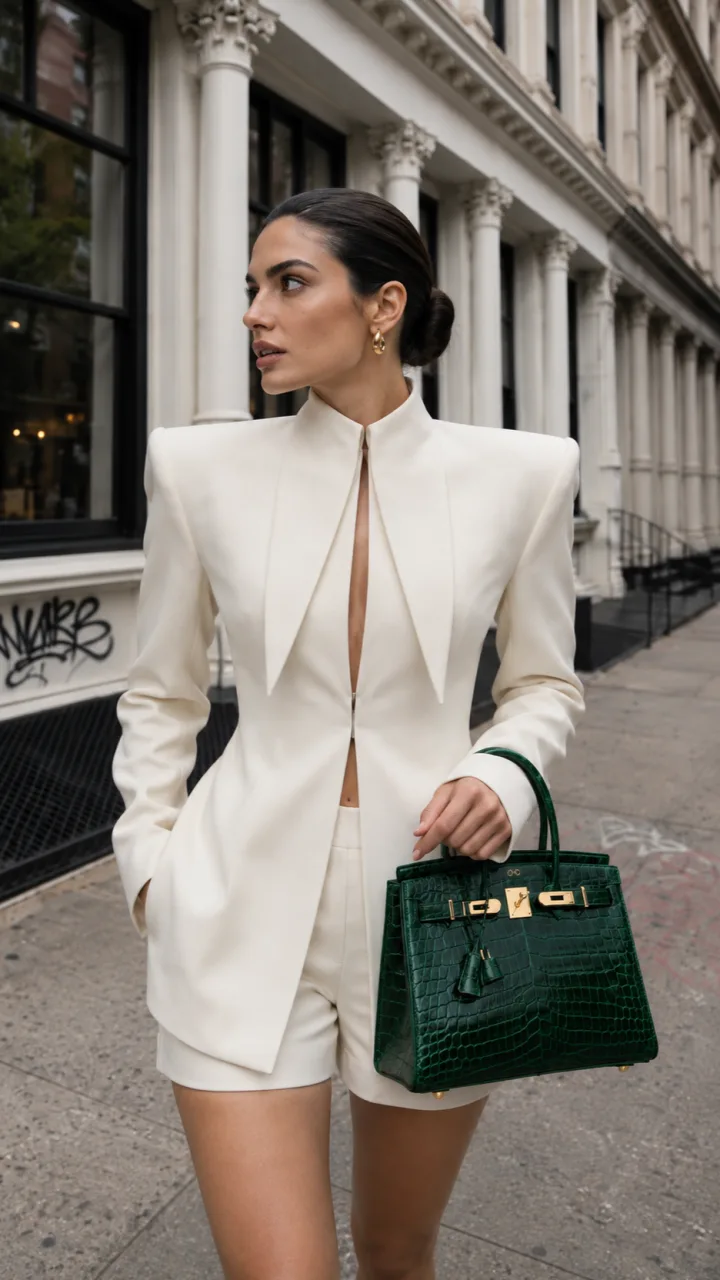
Outdoor Figure
A fictional person in a crisp white suit standing outdoors, natural daylight catching the fabric, slight breeze implied by posture, centered mid-shot framing.
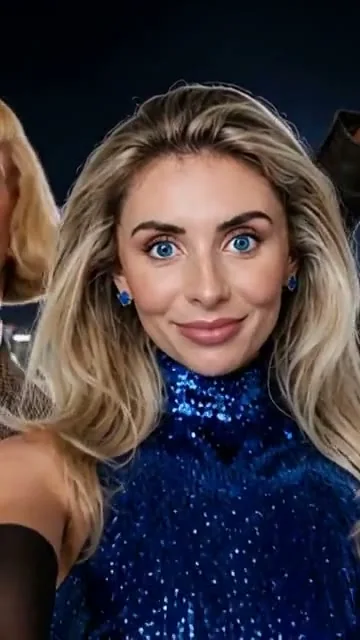
Styled Portrait
A close-up fictional portrait with deliberate hair and wardrobe styling, studio-soft front lighting, shallow depth of field, neutral backdrop.
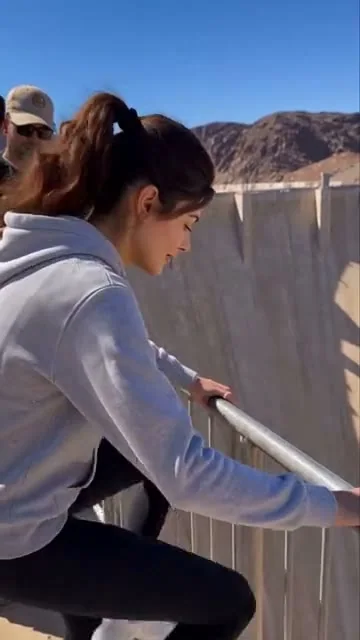
Outdoor Portrait
A fictional subject photographed outdoors, warm golden-hour rim light, relaxed three-quarter pose, blurred green foliage behind them.
How it works
- Try this prompt
Soft side-lit fictional portrait, subject facing slightly left, off-white wall background, neutral clothing, natural shadow on one cheek.
Describe your character
Type a prompt in the composer describing pose, lighting, clothing and setting.
Be specific about light direction and framing — 'soft side-lit' outperforms 'nice portrait' every time.
- Aspect ratio
- Varies by model — square, portrait and landscape are common choices.
- Resolution
- Determined by the selected model; check the composer before generating.
- File type
- Still image download; no video, audio or caption output on this page.
Choose model and crop
Select an available model and pick the crop or aspect ratio that fits your project.
Format options vary by model, so try a second model if your preferred size is unavailable.
Preview and download
Review the generated still and download it — use Image to Video separately to animate.
The composer shows an estimated credit cost before you generate so there are no surprises.
Common uses
Character concept art
Quickly visualize a fictional character's look before committing to a full production.
Story and pitch decks
Drop a generated portrait into a presentation slide to give a written character a face.
Reference starting points
Use a generated still as a visual brief for artists or as a mood-board anchor.
Output formats
Available options depend on the model you select.
- Aspect ratio
- Varies by model — square, portrait and landscape are common choices.
- Resolution
- Determined by the selected model; check the composer before generating.
- File type
- Still image download; no video, audio or caption output on this page.
After you download
- Save locally
Your image downloads as a still file ready to use in any external tool.
- Bring into a project
Import the still into your video or design project as a layer or asset.
- Animate separately
Take the downloaded image into Image to Video to add motion in a new session.
Frequently asked questions
Does this generate video?
No — this page produces static still images only; use Image to Video separately to animate.
Can I use a photo of myself as a reference?
Reference options depend on the selected model and mode, and are not available in every configuration.
Will two prompts of the same character look consistent?
There is no guaranteed visual continuity between generations — results vary each run.
How many credits does a generation cost?
The composer displays an estimated credit cost before you confirm, so check there for current pricing.
Start creating
Open the composer, describe your fictional character in detail, and download your still portrait in seconds.
Start a Draft