
Examples and tutorial
AI Image Generator from Text and Reference Images
Make a new image from a text prompt or start with a reference image. Use the image workspace to explore product backgrounds, character concepts and vertical artwork for short videos.
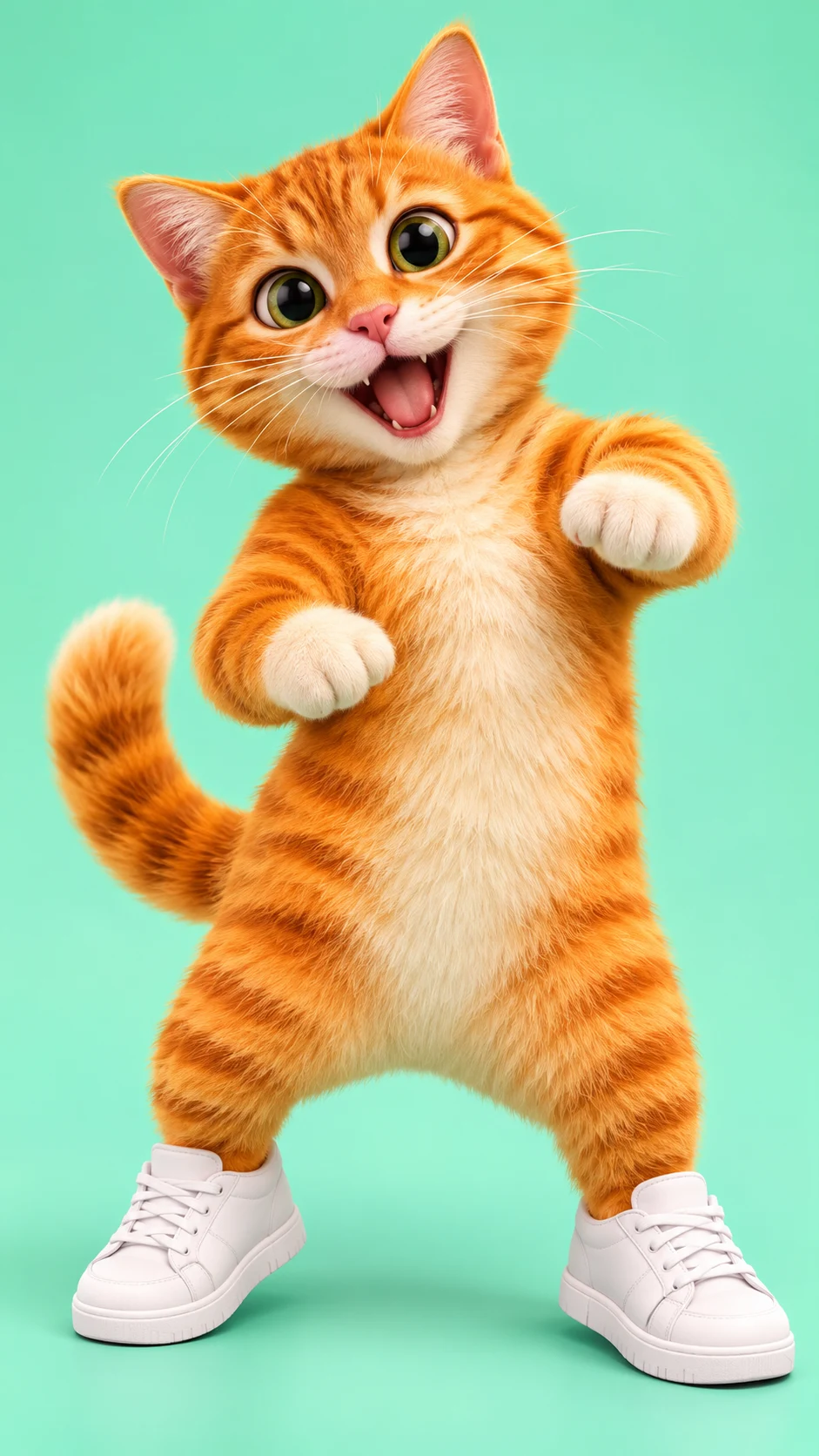
Original image prompt
A charming stylized 3D orange cat standing upright in white sneakers on a clean mint studio background, full body, prepared to dance, friendly funny expression, soft commercial lighting, no text, no brand logos.
Reference image edit
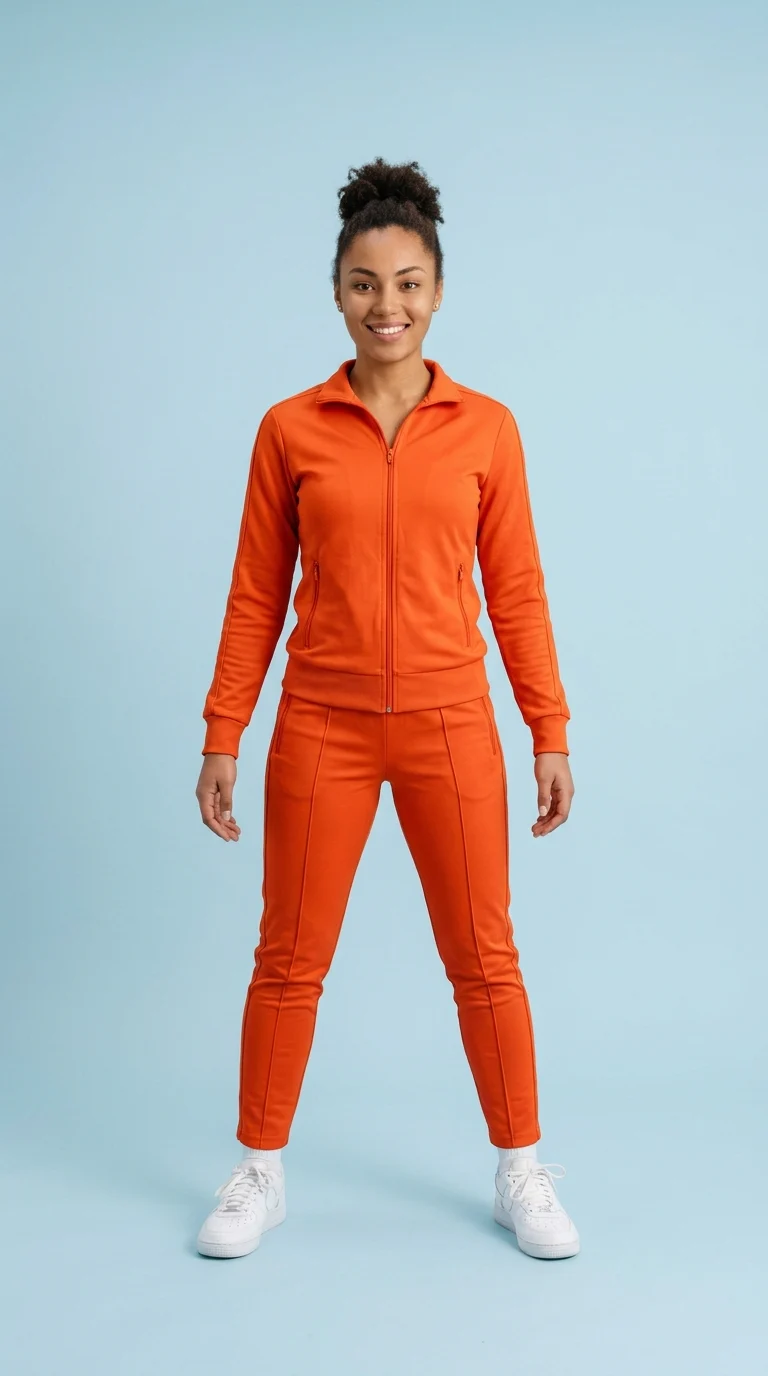
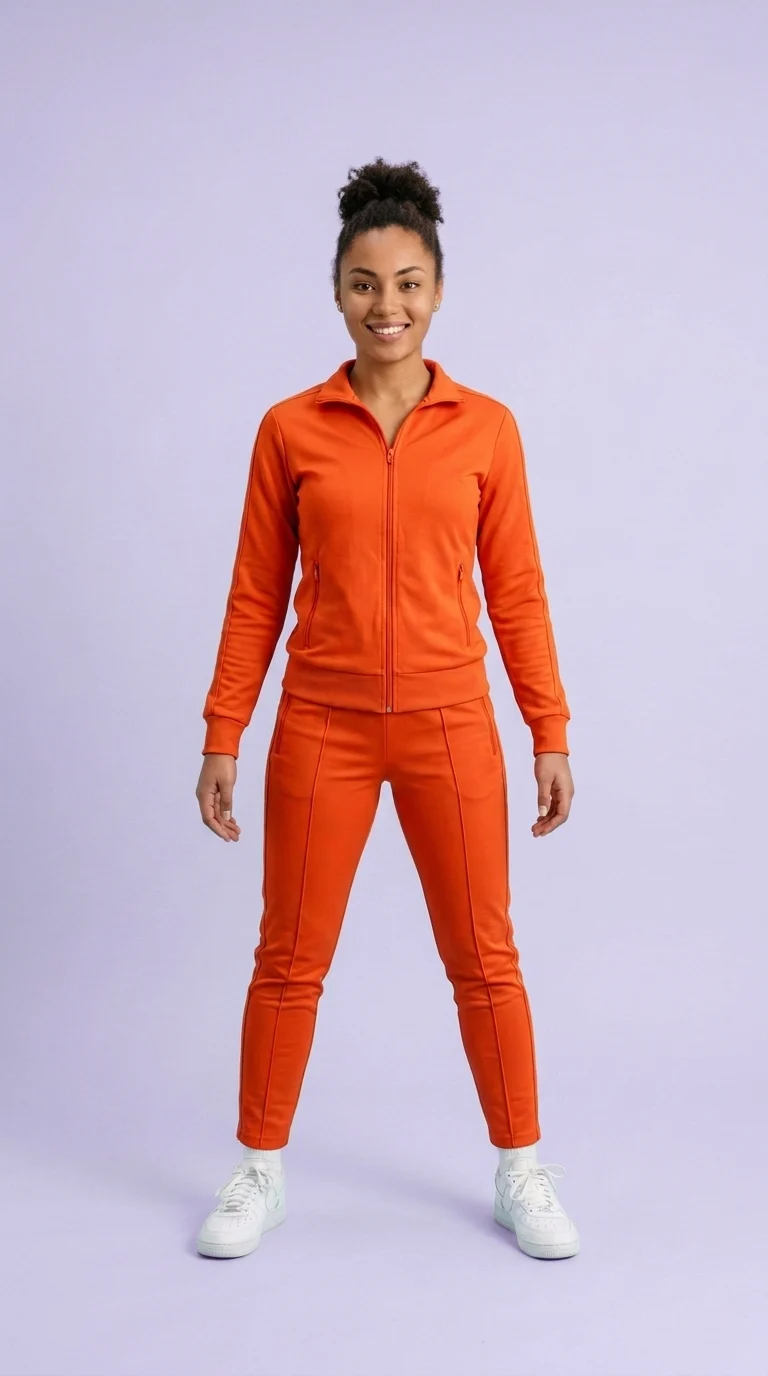
How to get started
Follow along with the controls in the workbench above.
Ideas to try
Create a product backdrop
Try soft side light, a matte display surface and room around the product for a headline.
Explore a character concept
Describe the same silhouette, clothing and colors while trying different settings or compositions.
Design a vertical reel cover
Put the subject near the center and leave room for text and platform controls around the edges.
Frequently asked questions
Do I need a reference image?
You can start with text alone. A reference is useful when you already have a subject, composition or visual direction to build from.
How do I control what changes in a reference image?
Name the elements you want to preserve and describe one focused change. Review the result closely if an exact detail matters.
How can I animate the image afterward?
Open the Video Generator, upload the finished image in Text / Image and describe how the subject or camera should move.