

Examples and tutorial
AI Video Character Swap
Replace the person in a source video with a character from a photo. Use the original performance as a starting point for a dance clip, meme or character demo.
Inputs used for this swap
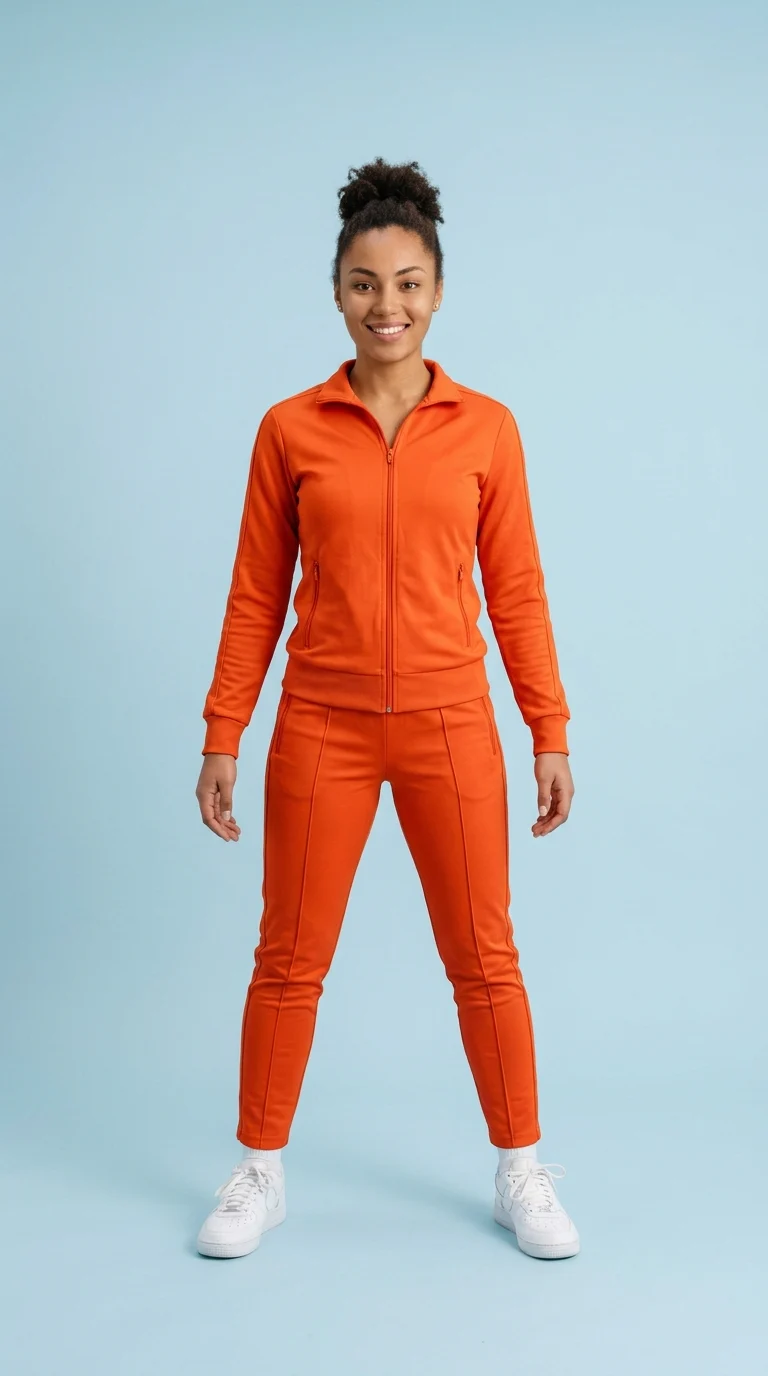
How to get started
Follow along with the controls in the workbench above.
Ideas to try
Recast a dance clip
Start from a steady shot that keeps the original dancer in frame and use a character image with a visible pose.
Adapt a meme
Keep the performance that makes the clip recognizable and use a character image you have permission to use.
Prototype a character scene
Try a short performance with your original character before committing to a longer shot.
Frequently asked questions
What files do I need for a video swap?
Prepare a source video and a character photo. The video guides the motion, and the photo supplies the replacement appearance.
How do I swap several people in one clip?
Open Multi-Person Swap when you need to select and replace different people in the same scene.
Can I just transfer the movement to a character image?
Use Motion Transfer when the character image is your starting frame and the other video mainly serves as an action reference.