
Examples and tutorial
AI Character Studio for Video Creation
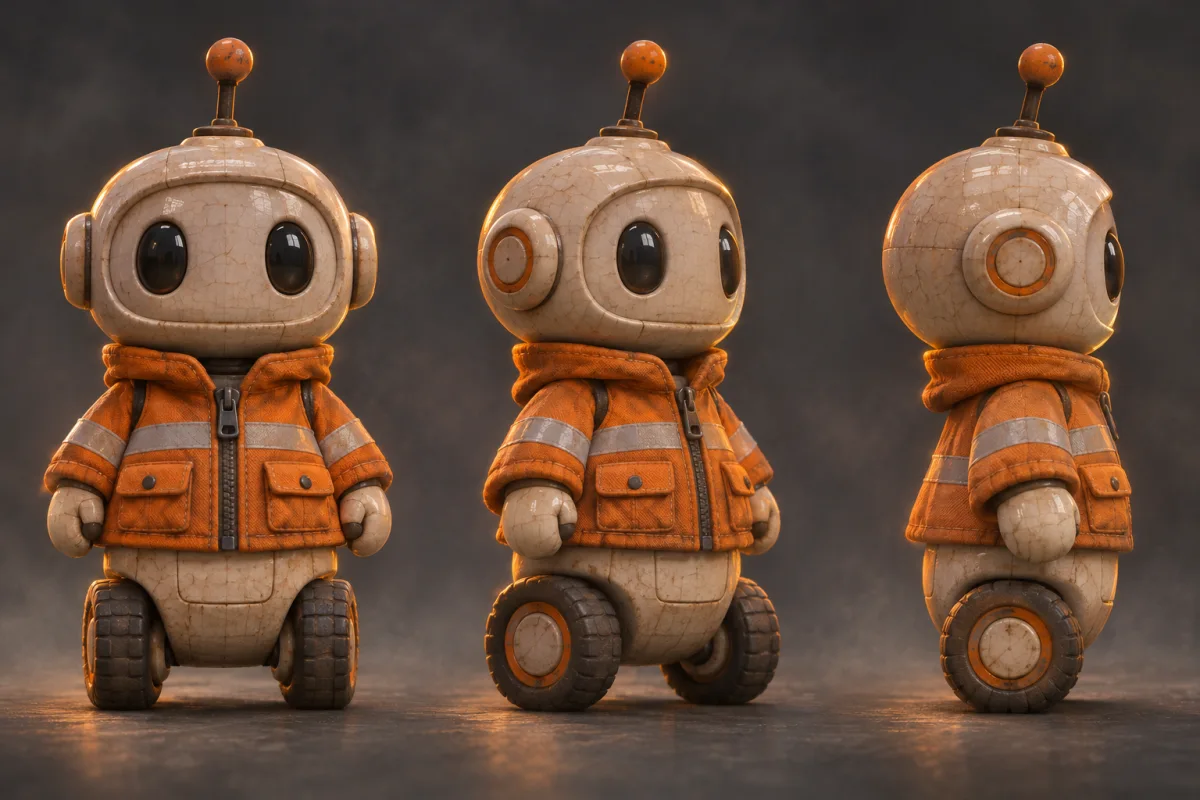
Build reusable character references from a photo or character image. Prepare a recognizable look for recurring characters across video projects.
How to get started
Choose a source image
Use a clear view of the face, outfit and silhouette.
Create the character references
Review the angles shown in the workspace and choose the views that suit your shots.
Use the character in a video
Bring the reference into a compatible video tool and check how it looks in motion.
Ideas to try
Develop a recurring character
Keep a visual reference for each episode of a short series.
Prepare a mascot
Compare face and outfit details across views before using the mascot in motion.
Frequently asked questions
What source image is most useful?
Start with a sharp image that shows the features and outfit you want to carry into new shots.
How do I put the character in motion?
Use the resulting character reference with Motion Transfer or the Video Generator, depending on the shot you want.