

用 GetReelMaker 把文字变成视频
输入文字就能直接做视频,不用自己拍摄,也不用提前准备图片。横版或竖版都可以制作,生成前就能看到需要多少积分。
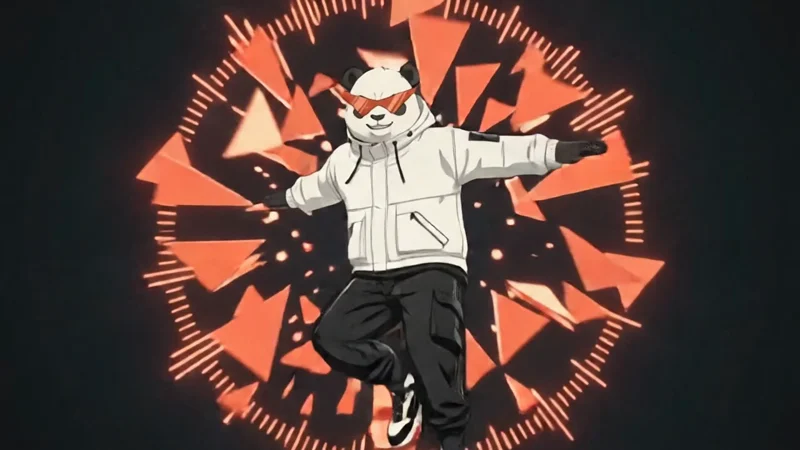
Create a 15-second, 16:9, text-to-video commercial and anime game-style character reveal for GetReelMaker. Generate one video with exactly 13 main cuts. Build everything from the text alone. No image, video, audio, or first-frame inputs. CHARACTER LOCK. One cool, athletic, stocky black-and-white panda, standing upright. Round warm-white face, black eye patches, round charcoal ears with thin white rims, a small dark triangular nose, and a subtle confident grin. His signature sunglasses are wide and sharply upswept, with pointed red-orange lenses, a thick angular black frame and bridge, and distinct black diagonal slash accents across the lenses. He wears a white technical windbreaker with black seams, black utility cargo trousers, and chunky black-and-white sneakers with red-orange accents. Keep the same face, build, outfit, and sunglasses throughout. The glasses stay on. ART DIRECTION. Sharp futuristic 2D anime cel shading, with 80% kinetic editorial graphics and 20% athletic character action. Warm white, deep charcoal, cool silver, and vivid red-orange. The diagonal slash from the sunglasses becomes a red-orange timeline playhead that cuts through abstract clip cards, crop brackets, and play triangles. Use bold, clean typography with the exact spelling and capitalization specified below. CUT 01 | 0.00–1.00s. A massive red-orange circle slams onto a warm-white field. Two charcoal bars wipe across it. A play triangle punches into the center as timeline ticks flash on the bass hit. CUT 02 | 1.00–2.00s. The circle becomes a porthole framing an extreme close-up of the panda’s signature sunglasses. A diagonal lens slash lights up, sweeps across the frame as a playhead, and breaks the porthole into flat graphic panels. At 1.60s, reveal “AI Reel Maker” in bold charcoal type on a solid warm-white panel. CUT 03 | 2.00–3.10s. The panda sprints in from the left and power-slides along a giant black-and-white editing timeline. Clip blocks snap into place behind his sneaker. Carry the same “AI Reel Maker” lettering across the cut, locked in the clear upper part of the frame and fully readable until 2.85s. Whip-pan out. CUT 04 | 3.10–4.00s. A stroboscopic triptych shows the same panda in three poses: takeoff, midair tuck, and one-foot landing. The three crop frames lock together on the beat. CUT 05 | 4.00–5.10s. Track the panda spinning through a giant rotating ring of play triangles and waveform ticks. The ring bursts into flat shards. Snap-zoom onto the red-orange sunglasses. CUT 06 | 5.10–6.00s. The panda plants one paw on a floating clip tile and vaults over it. The tile compresses under his paw, springs back, and splits cleanly as the diagonal playhead strikes. CUT 07 | 6.00–7.00s. The panda drops into a low street-dance spin. Three tinted silhouettes echo the movement and snap back into his upright pose. Red-orange motion arcs close into a single circular mark. CUT 08 | 7.00–8.00s. Four kinetic typography hits, one per beat. “COOL” slams into view, then the panda’s knee-slide sends the sunglasses slash slicing through it. “FAST” surges forward with a racing strip of clip blocks. “SMART” snaps into place as three separate input icons for text, image, and visual reference fan out beside a video preview. “CLEAR PRICING” lands on a stationary white card with a credit icon. Give each phrase a clean, readable instant before it moves. Keep the final card fixed across the next cut. CUT 09 | 8.00–9.00s. Hold “CLEAR PRICING” sharp and stationary through 8.65s in a clear foreground strip. A generic credit estimate indicator lights up before the play triangle, with no price or numbers. Behind the strip, the panda runs up a tilting wireframe grid, kicks off, and freezes inside a circular target lock. The playhead wipes away the card. CUT 10 | 9.00–10.10s. The freeze releases. The panda dives straight toward the camera through stacked preview panes. Each pane snaps into flat shards. End with his sneaker wiping across the entire frame. CUT 11 | 10.10–11.10s. In one rapid montage beat, flash four graphic posters of the same panda: mid-flip, sliding, landing, and paws in pockets. Change the crop and layout each time. Use graphic shapes without headlines. CUT 12 | 11.10–13.00s. On a warm-white stage, the panda lands a final backflip and straightens with paws in pockets. Concentric red-orange rings and clip fragments blast outward on the biggest bass hit. Freeze on his confident grin, then flash to white. CUT 13 | 13.00–15.00s. Hold a clean, stable final card for the full two seconds. Large black headline: “GetReelMaker”. Smaller line below: “AI Short Video Generator”. The panda stands beside the lettering with his signature sunglasses clearly visible. A subtle red-orange pulse moves behind the composition while both lines stay still and unobstructed. EDIT AND SOUND. Hard cuts on the beat, graphic matches, snap zooms, shutter flashes, and short speed ramps. Drum-heavy electronic future bass with synchronized sneaker hits, timeline clicks, pane snaps, and a short electronic stinger at the end. No spoken dialogue, extra characters, weapons, flames, extra on-screen words, or placeholder lettering.
什么是AI文字转视频?
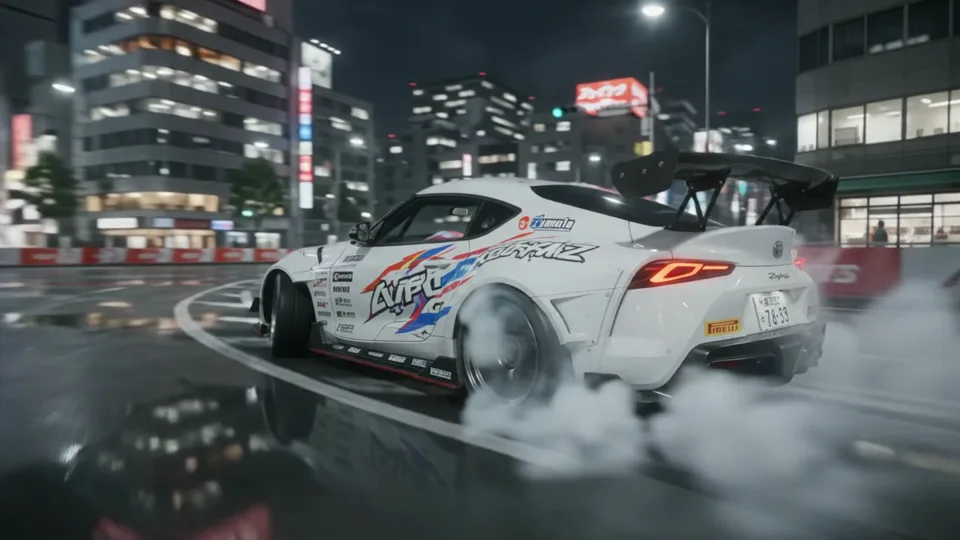
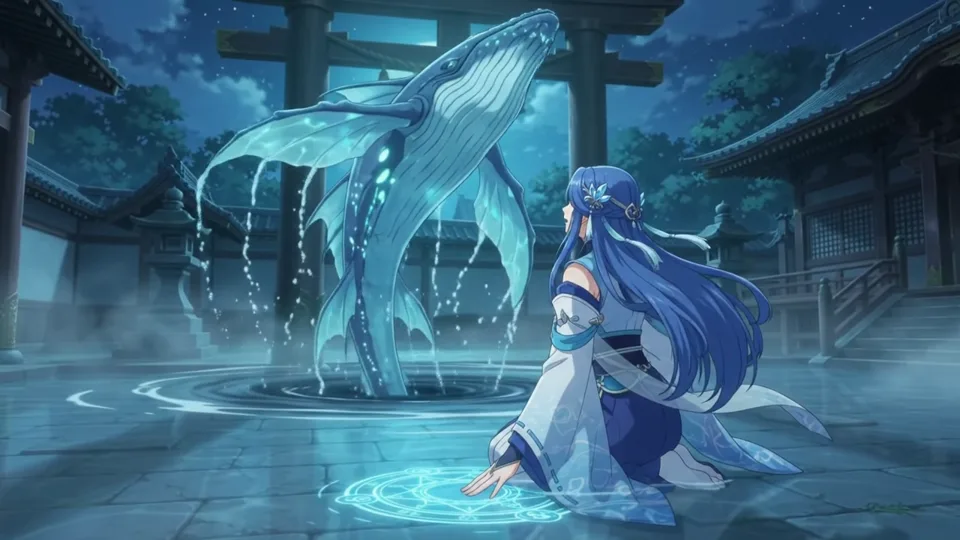
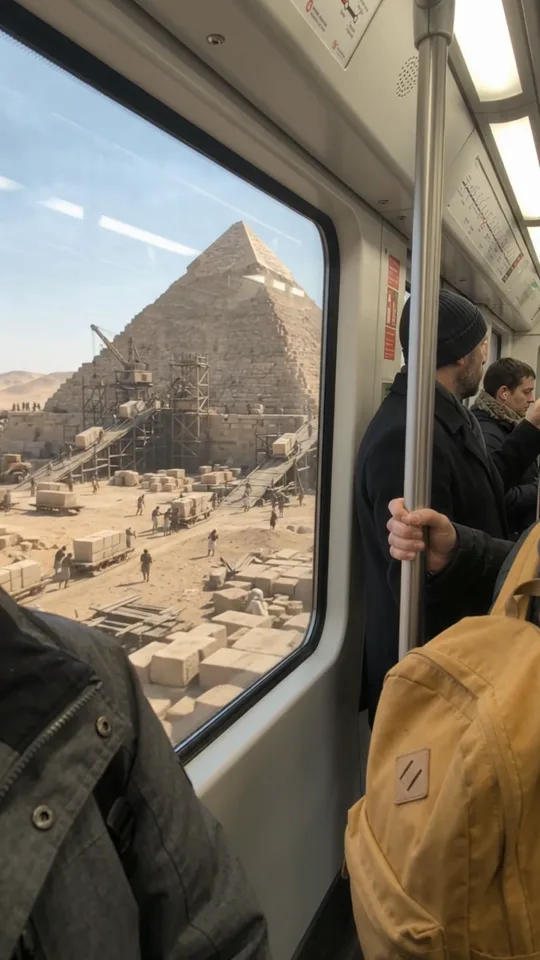
文字转视频指直接输入文字描述,由AI模型生成对应的单独视频片段。制作时不需要准备现成视频或参考图,系统会按提示词呈现画面、动作和基础场景运镜。
适合缺少拍摄设备、只想先验证画面的创作者。若已有产品照且需要以该照片为起始帧,可选图生视频,但需注意后续画面的主体特征仍可能有变动。
使用图生视频文字转视频有什么好处?
用文字直接生成视频片段,在确认拍摄前快速测试画面效果
不用拍摄就能试镜头
免去租用场地、布光和实拍流程,输入描述即可看到动态样片。
西装女生走入会议室却穿着一只粉兔拖鞋,无需实拍就能快速验证反差创意。
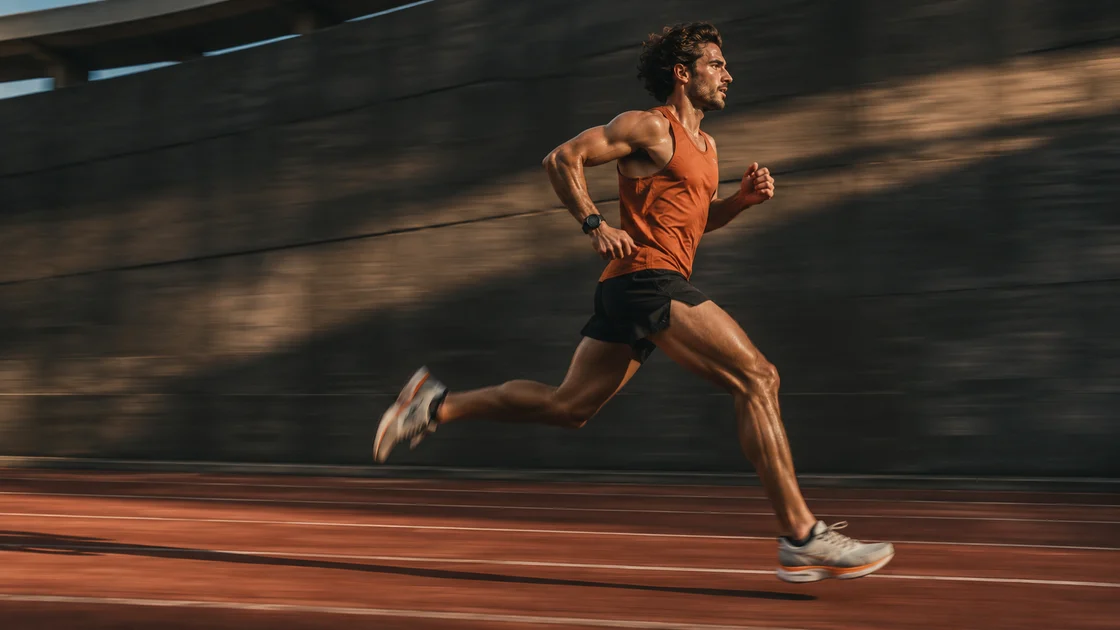
改一句提示词试另一种运镜
无需重拍整组镜头,直接在文本中更改运镜轨迹或人物动作细节。
跑步者在跑道上疾驰,镜头从侧下方低角度贴地跟拍,提示词调整后切换为固定远景机位。
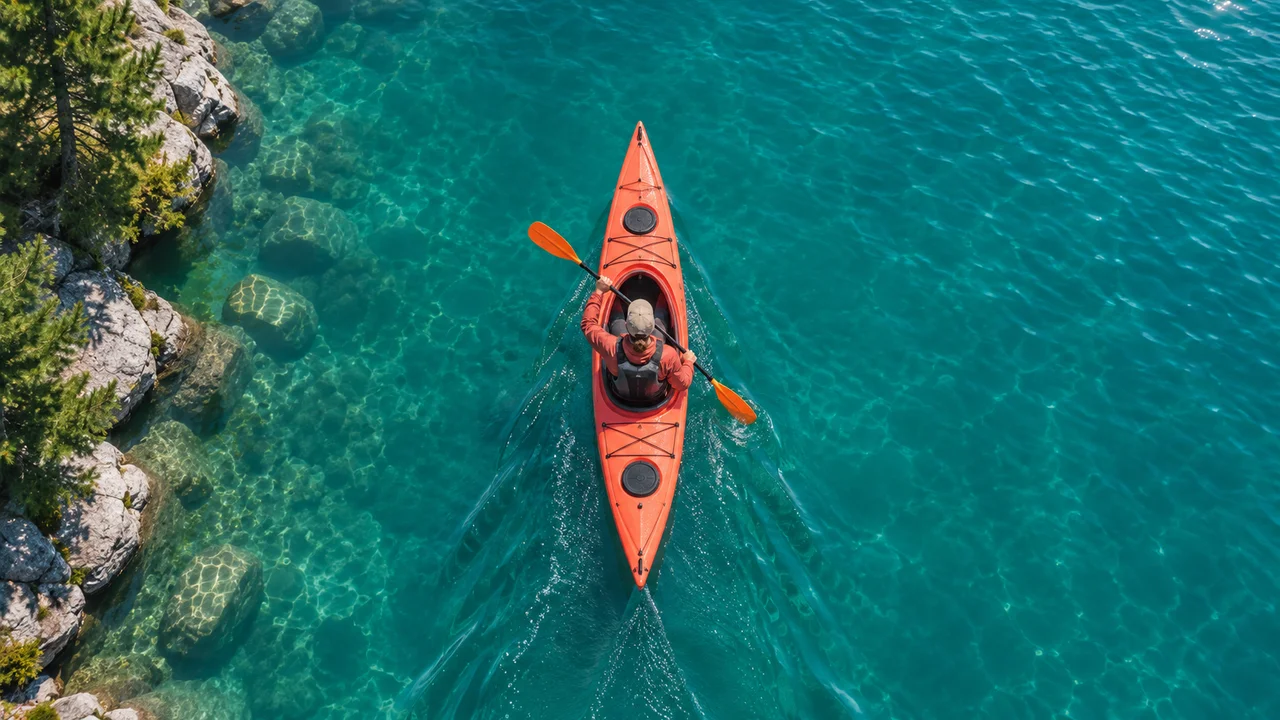
按发布平台选横竖屏
生成前直接指定画幅比例,适配不同播放场景,避免后期裁切变形。
比如社媒信息流选用竖屏构图,网站首页与横屏展示位选用横屏。
AI文字转视频常用创作场景与参考
覆盖产品特写、短视频开场与情绪氛围镜头
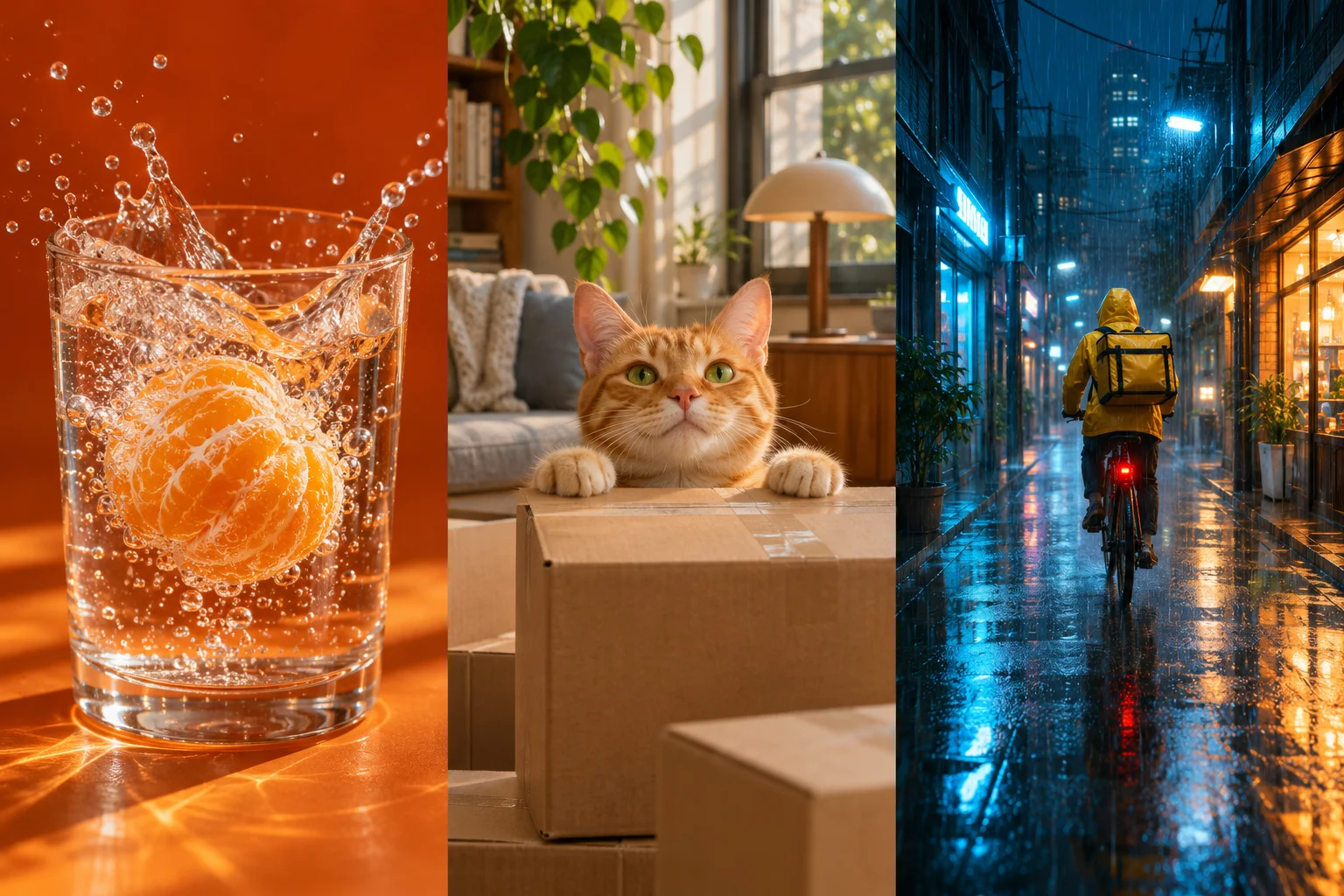
产品广告创意:饮料动态特写
电商运营与品牌设计师可用来在实拍前确认商品动效。输入材质、运动轨迹和背景色彩,测试果肉入水时的水花与气泡形态。
强调逆光穿透水滴与极慢速下落细节,适合饮品商用质感短片。
竖屏社媒视频:萌宠生活日常
短视频个人博主与内容创作者可用来生成日常趣味镜头。通过文字指定宠物的出现方式与视线方向,快速测试开头吸睛画面。
写一只圆脸橘猫慢慢从快递纸箱探出脑袋眨眼,突出前置特写与竖屏构图,适合作为吸引停留的开场。
影视分镜预览:雨夜街头氛围
编剧与小团队能在实拍前先比较雨夜反光、运镜高度与骑手速度,把抽象构思变成直观参考,让拍摄沟通更省力。
写黄色雨衣骑手穿行于湿漉石板路窄巷,设定低机位跟随与地面积水倒影,快速渲染出故事氛围感。
支持哪些文生视频模型?
 Veo
 Kling
 Seedance
 Wan
 Runway
 Hailuo AI
 Grok Imagine
 HappyHorse
- Gemini Omni
 PixVerse
各模型支持的宽高比、时长、分辨率及音频选项各不相同。
如何用AI把文字变成视频
无需拍摄与剪辑,输入提示词直接生成单段视频素材
- 1
输入提示词与配置参数
用中文或英文描述画面主体、动作与场景,挑选合适的生成模型,并设定所需的画面比例、生成时长和画质。
- 2
确认积分并提交生成
登录账号后检查提示词与预估消耗积分,确认无误即可提交任务,系统会在后台队列中为你排队处理。
- 3
在线预览并下载素材
生成完成后可以在当前页面直接播放预览,满意后保存到本地电脑或手机,用于后续剪辑拼贴制作。
视频提示词怎么写更容易出好画面
把注意力放在动作和画面变化上,尽量避免抽象感性的形容词
- 主体
- 明确画面里的核心人物、动物或物体,说明基本外貌特征
- 动作
- 描述主体在几秒内发生的具体动作与连续变化过程
- 场景
- 交代所处的室内外环境、背景细节以及当下的天气氛围
- 运镜
- 说明摄影机移动方式,如平移推进、固定视角或特写切换
- 光线
- 注明主要光源与明暗色调,例如午后侧光或冷色室内荧光
提示词
深灰色西装长发女生推开木质会议室大门走入,镜头平移切换至脚部地面特写,露出黑色皮鞋与粉色毛绒兔拖鞋,室内冷白日光灯漫反射。
先试清晰动作再增加复杂运镜,固定开场用图生视频。
文生视频常见问题
文生视频与图生视频有什么区别?
文生视频纯靠文字描述凭空创造画面;图生视频能以你上传的照片作为第一帧起步,但后续画面人物和细节仍会有变化。
生成视频必须上传参考图片吗?
不需要。在文生视频模式下直接输入文字提示词就能运行,只有需要固定起始角色或特定画面时才建议上传图片。
这款文生视频工具可以免费生成吗?
可以先浏览案例。提交生成任务前需登录,工作台会显示所需积分。
这么多视频模型应该怎么选?
建议先按目标画幅比例、视频时长、清晰度或音频需求筛选面板上的当前可选模型,再综合比较所需积分进行选择,各模型实际生成效果请以界面实时生成结果为准。
生成视频支持设置哪些参数?
不同模型所支持的生成参数各不相同,具体的时长、画幅、分辨率以及音频选项请以当前面板显示为准,不同配置将对应不同的生成消耗。
提交后一般需要等待多久?
生成耗时会随着所选模型、参数复杂度以及当前排队任务量而发生变化,每次任务的实际等待时间以系统实时排队状态为准。
所有生成的视频都自带声音吗?
不是。仅部分特定模型支持伴随画面同步生成音效或氛围声,不支持的模型生成出来的片段默认是无声的纯画面。
如果生成的视频变形或不理想怎么办?
建议先简化镜头运动,聚焦于单一明确的动作描述,删除空洞的修饰词,或尝试更换其他模型进行相同提示词的对照。
生成的视频可以用于商业项目吗?
商业发布前,请查阅使用条款和所用模型的相关条款。
我输入的文字和生成的内容有隐私保护吗?
有关数据的收集和使用,请查阅隐私政策。