
Examples and tutorial
AI Multi-Person Video Swap
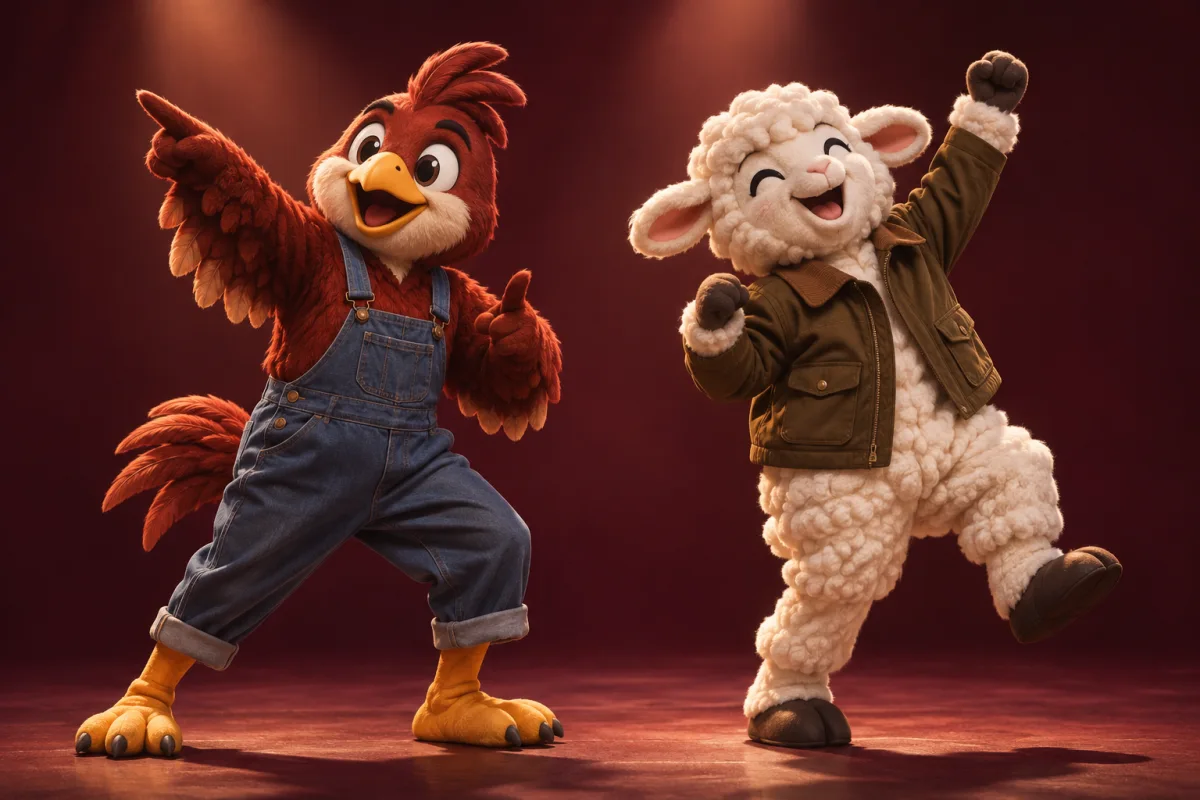
Choose and recast different people in one video. Use the editor to match each tracked performer with their own replacement character.
How to get started
Open the source clip
Choose a shot where the performers are easy to distinguish.
Assign character images
Select the people you want to replace and match each with the intended image.
Check each person
Review where people cross paths, enter frame or overlap.
Ideas to try
Recast a duet
Assign a different character to each performer in a two-person shot.
Prototype an ensemble scene
Test how multiple characters read together in an existing group performance.
Frequently asked questions
Should I use this for just one person?
Video Swap is the shorter workflow for a single person. Use Multi-Person Swap when you need separate assignments.
What if two performers overlap?
Check the tracking around the overlap before using the clip. A more open shot can be easier to work with.